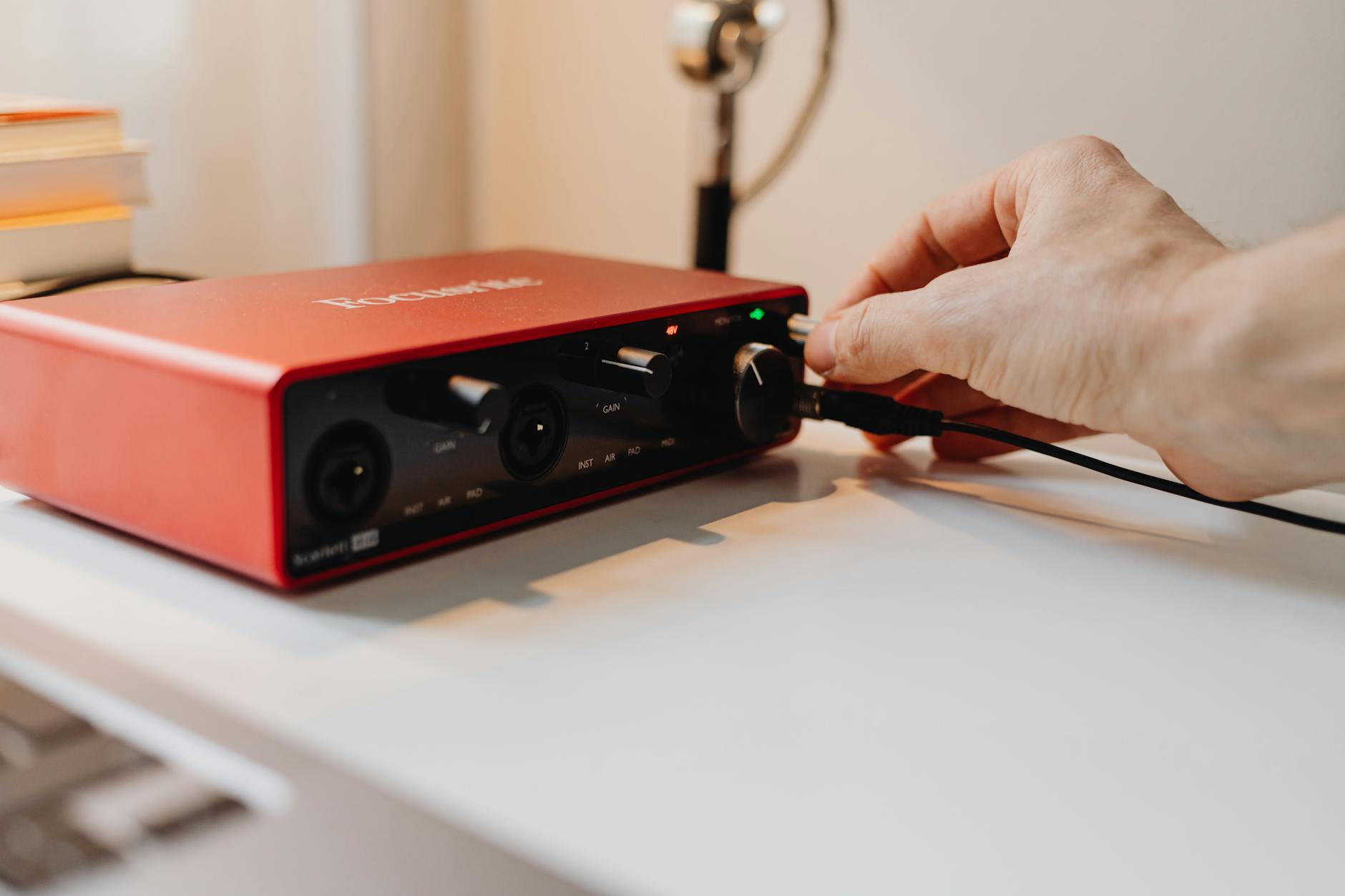
Discover the best audio interfaces under $500 for home recording, vocals, guitar, and music production. Honest comparisons and buyer tips.
An audio interface is the backbone of any home recording setup. Whether you’re recording vocals, guitar, bass, podcasts, or producing full tracks, the right interface can dramatically improve your sound quality — without breaking the bank.
The good news? You don’t need to spend thousands to get professional‑quality results. In this guide, we’ll cover the best audio interfaces under $500 for home recording, focusing on sound quality, reliability, features, and value for money.
Quick Comparison: Best Audio Interfaces Under $500
| Audio Interface | Inputs | Outputs | Best For |
|---|---|---|---|
| Focusrite Scarlett 2i2 (4th Gen) | 2 | 2 | Beginners & songwriters |
| Audient iD14 MkII | 2 | 4 | Best preamp quality |
| Universal Audio Volt 2 | 2 | 2 | Analog‑style tone |
| MOTU M4 | 4 | 4 | Producers & MIDI users |
| SSL 2 | 2 | 4 | Studio‑grade clarity |
🥇 Focusrite Scarlett 2i2 (4th Gen)
Best Overall Audio Interface Under $500
The Focusrite Scarlett 2i2 is one of the most popular audio interfaces in the world — and the 4th generation improves on an already proven formula. It delivers clean sound, ultra‑low latency, and extremely simple setup.
Why it stands out
- Clean, quiet mic preamps
- Auto Gain and Clip Safe features (excellent for beginners)
- Plug‑and‑play on Mac & Windows
- Strong bundled software package
Pros ✅ Easy to use
✅ Great sound for the price
✅ Reliable drivers
Cons ❌ No MIDI I/O
Best for: Home recording, vocals, guitar, podcasts, beginners
🥈 Audient iD14 MkII
Best Sound Quality Under $500
If sound quality is your top priority, the Audient iD14 MkII is hard to beat. Audient uses the same high‑quality preamps found in their professional studio consoles.
Why it stands out
- Console‑grade preamps
- Expandable via ADAT (future‑proof)
- Solid aluminum build
Pros ✅ Outstanding audio fidelity
✅ Expandable input options
✅ Professional feel
Cons ❌ Software not as beginner‑friendly
Best for: Musicians upgrading beyond entry‑level gear
🥉 Universal Audio Volt 2
Best for Analog‑Style Warmth
The Universal Audio Volt 2 combines modern digital audio with a vintage‑inspired preamp mode that adds warmth and character to recordings.
Why it stands out
- Vintage preamp mode
- Excellent for vocals and instruments
- Classic UA build quality
Pros ✅ Analog character option
✅ Clean, modern interface
✅ Bundled UA plugins
Cons ❌ No ADAT or expansion options
Best for: Vocalists and producers who want warmth without extra gear
🎛️ MOTU M4
Best for Producers & MIDI Users
The MOTU M4 offers more I/O options than most interfaces in this price range and features ultra‑low latency performance.
Why it stands out
- Four inputs and outputs
- MIDI I/O included
- Full‑color LCD meters
Pros ✅ Excellent for synths and drum machines
✅ Very low latency
✅ Great value for producers
Cons ❌ Slightly steeper learning curve
Best for: Electronic music producers, MIDI‑heavy setups
🎚️ SSL 2
Best Studio‑Grade Interface for the Price
Solid State Logic (SSL) brings its legendary studio heritage to home recording with the SSL 2.
Why it stands out
- Extremely clean sound
- “4K” enhancement mode adds presence
- Premium build quality
Pros ✅ Studio‑quality sound
✅ Simple layout
✅ Professional branding
Cons ❌ No MIDI support
Best for: Serious home studio recording and mixing
How to Choose the Right Audio Interface
Before buying an audio interface, consider:
✅ Inputs & Outputs
- Solo creators: 2 inputs is enough
- Bands or multi‑mic setups: look for expandability
✅ MIDI Support
- Required if you use synths or MIDI keyboards
✅ Sound Quality
- Most modern interfaces sound great — preamps matter more than specs
✅ Future Growth
- ADAT expansion can save you money later
🏆 Final Verdict
🎯 Best overall: Focusrite Scarlett 2i2 (4th Gen)
🎯 Best sound quality: Audient iD14 MkII
🎯 Best for producers: MOTU M4
🎯 Best analog character: Universal Audio Volt 2
Every interface on this list delivers professional‑quality results under $500 — the best choice depends on how you record and what features you need.
Leave a Reply